
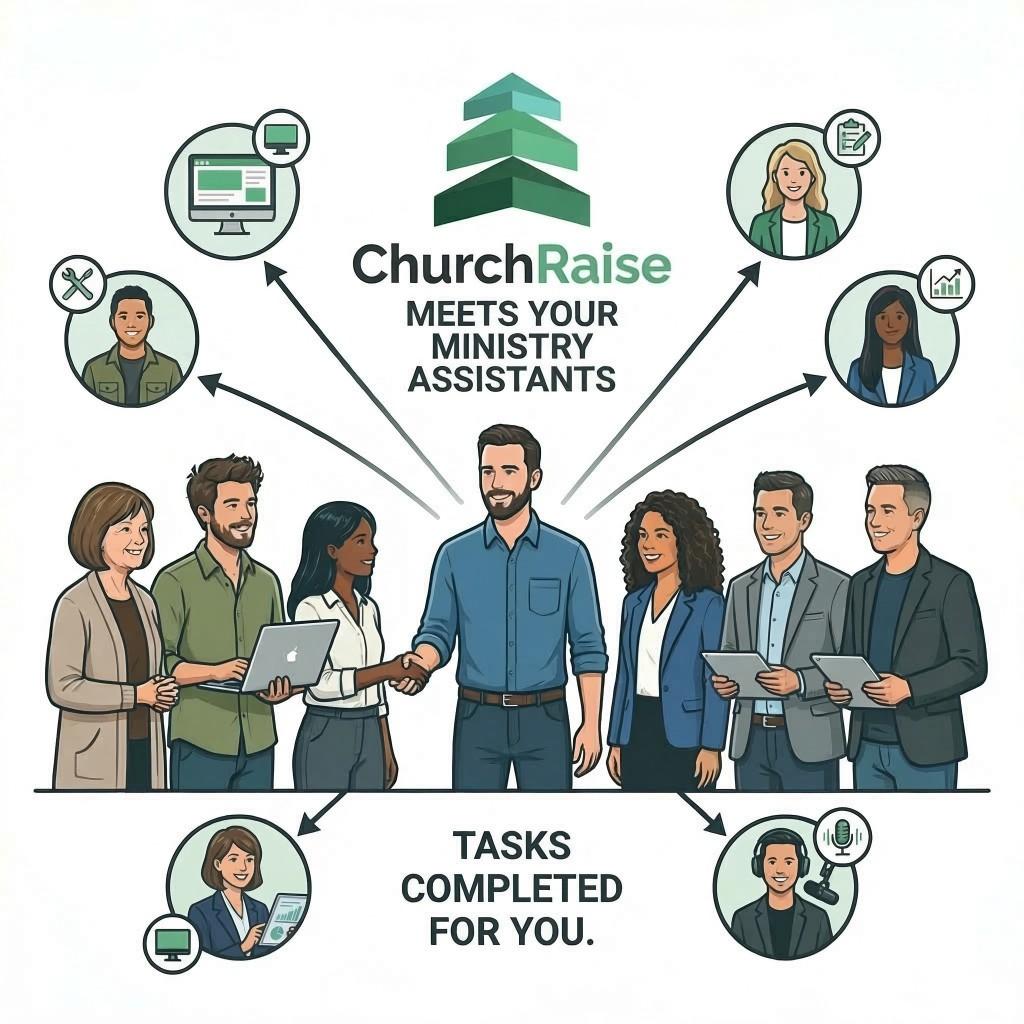
Every church has tasks that repeat every single week: writing announcements, sending follow-up emails, promoting events, updating the bulletin, and posting to social media. Individually, each task takes 15 to 30 minutes. Added together, they consume 10 to 15 hours per week — time that could be spent on pastoral care, discipleship, and community outreach.
Church automation is the practice of using software to handle these repetitive tasks automatically or semi-automatically, so ministry teams can focus on the work that requires a human touch.
This article explains what church automation looks like in practice, which tasks are best suited for it, and how to get started. For the broader picture of how automation fits into your technology setup, see our guide to the modern church technology stack.
What Church Automation Actually Means
Automation does not mean removing the human element from ministry. It means removing the repetitive administrative steps that slow your team down.
Examples of automation in a church context:
- A first-time visitor fills out a connect card → they automatically receive a welcome email within 24 hours
- A member gives for the first time → a personalized thank-you message is sent automatically
- A sermon is preached → summaries, discussion guides, and social media posts are generated from the transcript
- An event is created → promotion emails, social posts, and bulletin announcements are drafted automatically
- A volunteer signs up → they receive onboarding information and a team leader is notified
The key principle: automate the process, personalize the output. AI and automation generate the first draft or trigger the action. A human reviews, adjusts, and adds the personal touch.
Tasks Every Church Should Automate
1. Visitor Follow-Up
The single most impactful automation for church growth. Studies consistently show that visitors who receive a personal follow-up within 24 to 48 hours are far more likely to return. Most churches intend to follow up but do it inconsistently because it depends on someone remembering.
An automated workflow solves this:
- Visitor submits a connect card (physical or digital via QR code)
- System sends a warm welcome email immediately
- A reminder is sent to the pastor or connections team to make a personal call
- A second touchpoint goes out 5 to 7 days later with information about small groups or upcoming events
2. Giving Acknowledgment
Thanking givers promptly increases retention. Church giving trends show that personalized thank-you messages significantly boost recurring giving. Automating this ensures every giver is acknowledged — not just when someone remembers.
Automated giving workflows can:
- Send an immediate receipt with a personal thank-you message
- Identify first-time givers and route them to a special welcome sequence
- Flag lapsed givers (no gift in 60+ days) for pastoral outreach
- Generate year-end giving statements automatically
3. Weekly Communication Production
The weekly cycle of announcements, newsletter, bulletin, and social media consumes more staff time than almost anything else. Automation can drastically reduce this.
With AI ministry tools:
- Input your weekly announcements once
- The system generates formatted versions for email, bulletin, social media, and website
- You review and publish across all channels in minutes instead of hours
4. Sermon Content Repurposing
A single sermon represents 10+ hours of preparation. Without automation, that investment reaches people once. With automation, it becomes 10 pieces of content: summaries, discussion guides, social quotes, devotionals, newsletter content, and blog posts.
AI sermon assistants can analyze a transcript and generate all of these resources in minutes.
5. Event Promotion
Promoting church events typically requires creating graphics, writing announcements, sending emails, posting to social media, and updating the website. Each event multiplies this work.
Automated event promotion workflows:
- Event is created in your system
- Announcement copy is generated for email, social, and bulletin
- Reminder emails go out at set intervals (2 weeks, 1 week, 2 days before)
- Post-event follow-up is sent to attendees
6. [Volunteer Coordination](/blog/church-volunteer-management)
Volunteer scheduling and reminders are prime automation candidates:
- Automated schedule reminders sent 48 hours before serving
- Swap requests handled through a self-service system
- New volunteer onboarding triggered when someone signs up
- Thank-you messages sent after serving
- Recruitment workflows that follow up when someone expresses interest
What NOT to Automate
Not everything should be automated. These tasks require a human:
- Pastoral care conversations — grief, crisis, spiritual counseling
- Personal outreach to struggling members — automated messages feel hollow here
- Sensitive communications — leadership changes, difficult news, conflict resolution
- Relationship building — small group leadership, mentoring, discipleship
The rule of thumb: automate the administrative shell, but keep the relational core human.
Automation Tools for Churches
General ChMS Automation
Many church management platforms include basic automation:
- Planning Center offers workflow automations in their People module
- Breeze includes automated giving receipts and email campaigns
- Realm has built-in communication workflows
AI-Powered Automation
The biggest leap in church automation is AI. Traditional automation follows if/then rules. AI automation understands content and generates original material.
ChurchRaise combines both approaches:
- Rule-based automation for follow-ups, reminders, and workflows
- AI assistants for content generation, sermon repurposing, and communication drafting
- All included free — no per-member fees, no feature tiers
For churches evaluating the real cost of church software, automation is where the ROI is most measurable: hours saved per week directly translates to more time for ministry.
Getting Started With Church Automation
You do not need to automate everything at once. Start with the highest-impact, lowest-effort automation:
- Week 1: Set up automated giving receipts and thank-you messages
- Week 2: Create a visitor follow-up email sequence
- Week 3: Use AI tools to generate your weekly communication from a single set of announcements
- Week 4: Automate sermon content repurposing
- Month 2: Add event promotion workflows and volunteer reminders
Most churches report saving 5 to 10 hours per week within the first month of implementing basic automation. If you need help presenting the case to leadership, see our guide on getting your board on board with technology.
The goal is not to automate ministry. It is to automate the busywork that prevents your team from doing ministry.